Adding a Feature: Duolingo
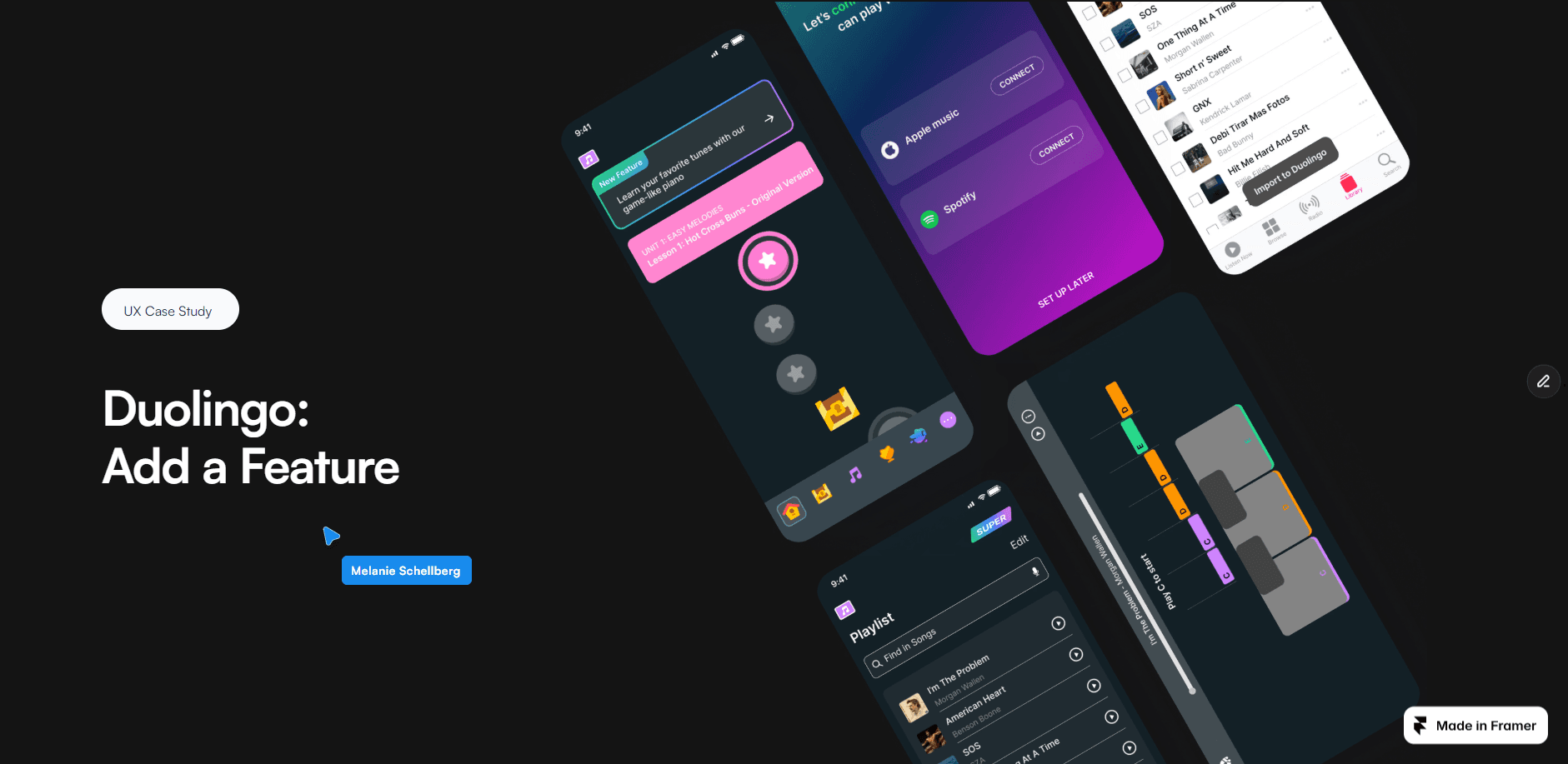
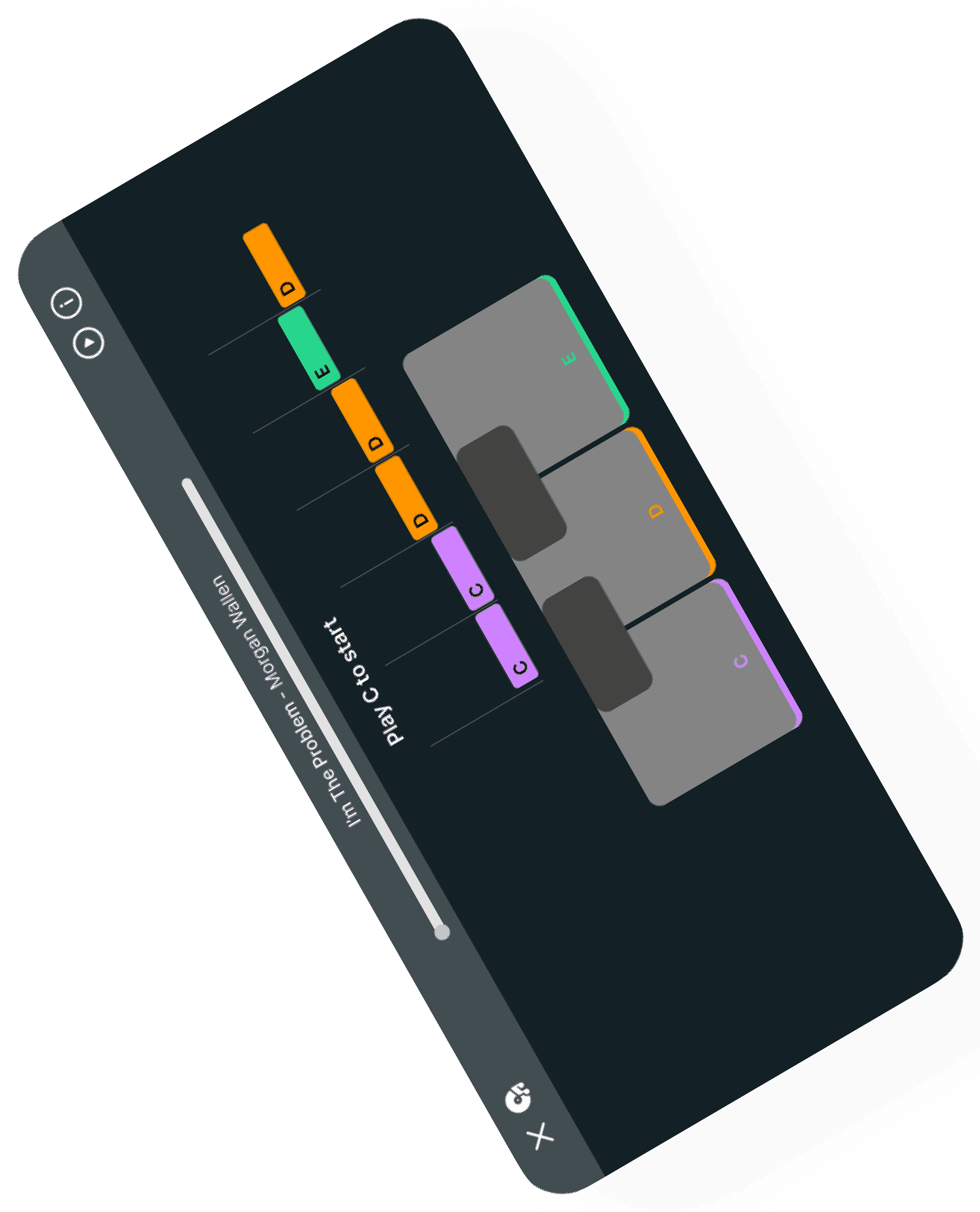
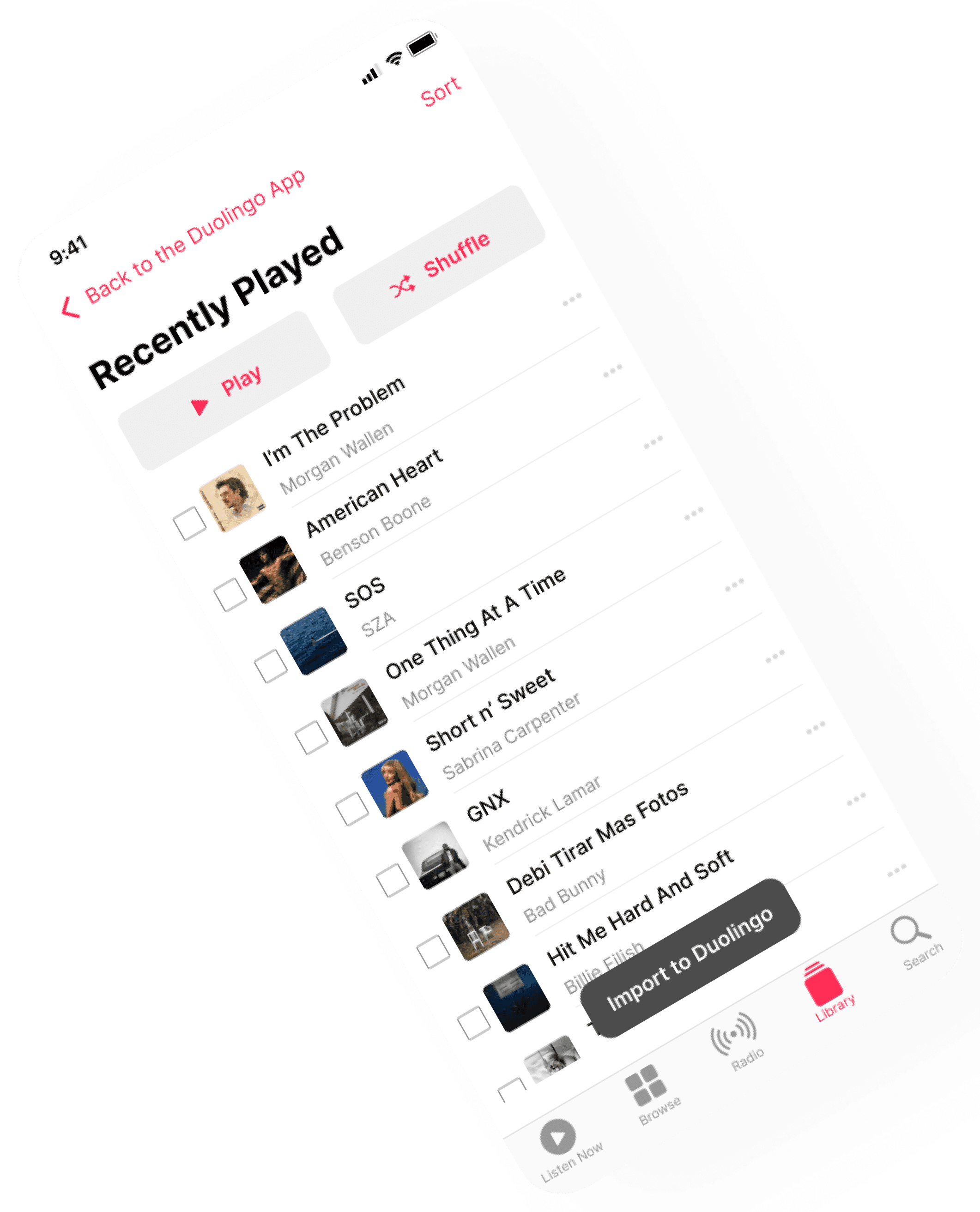
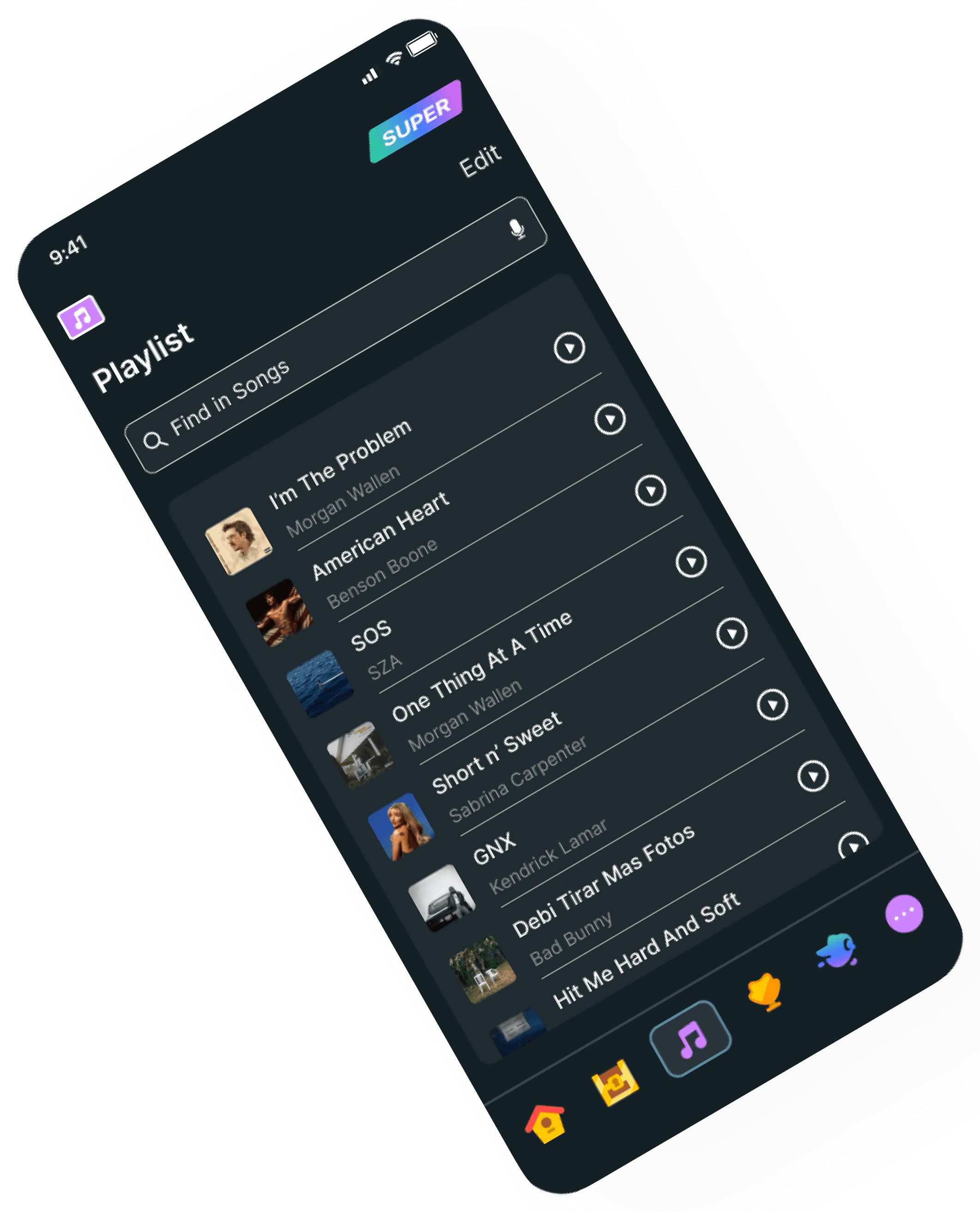
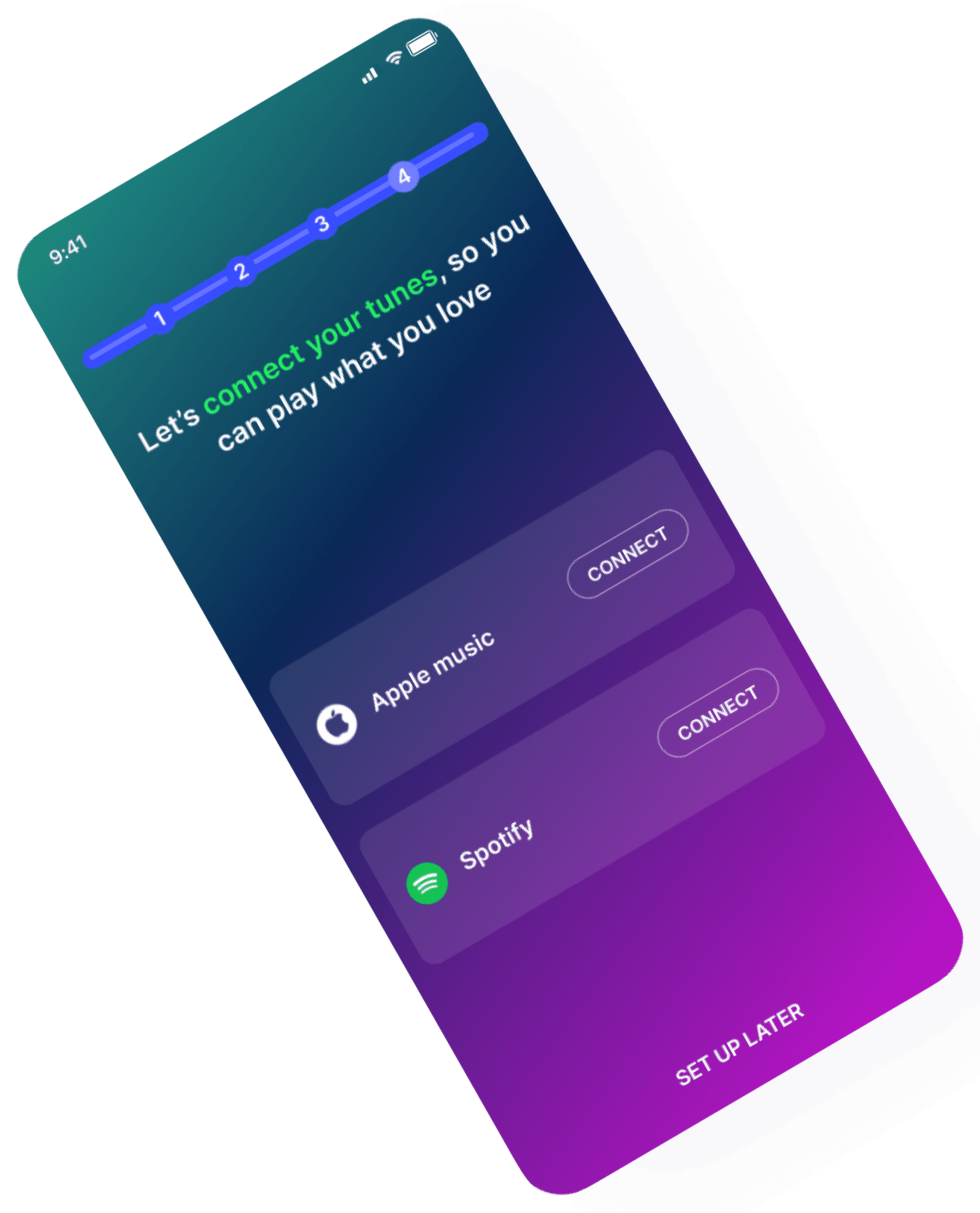
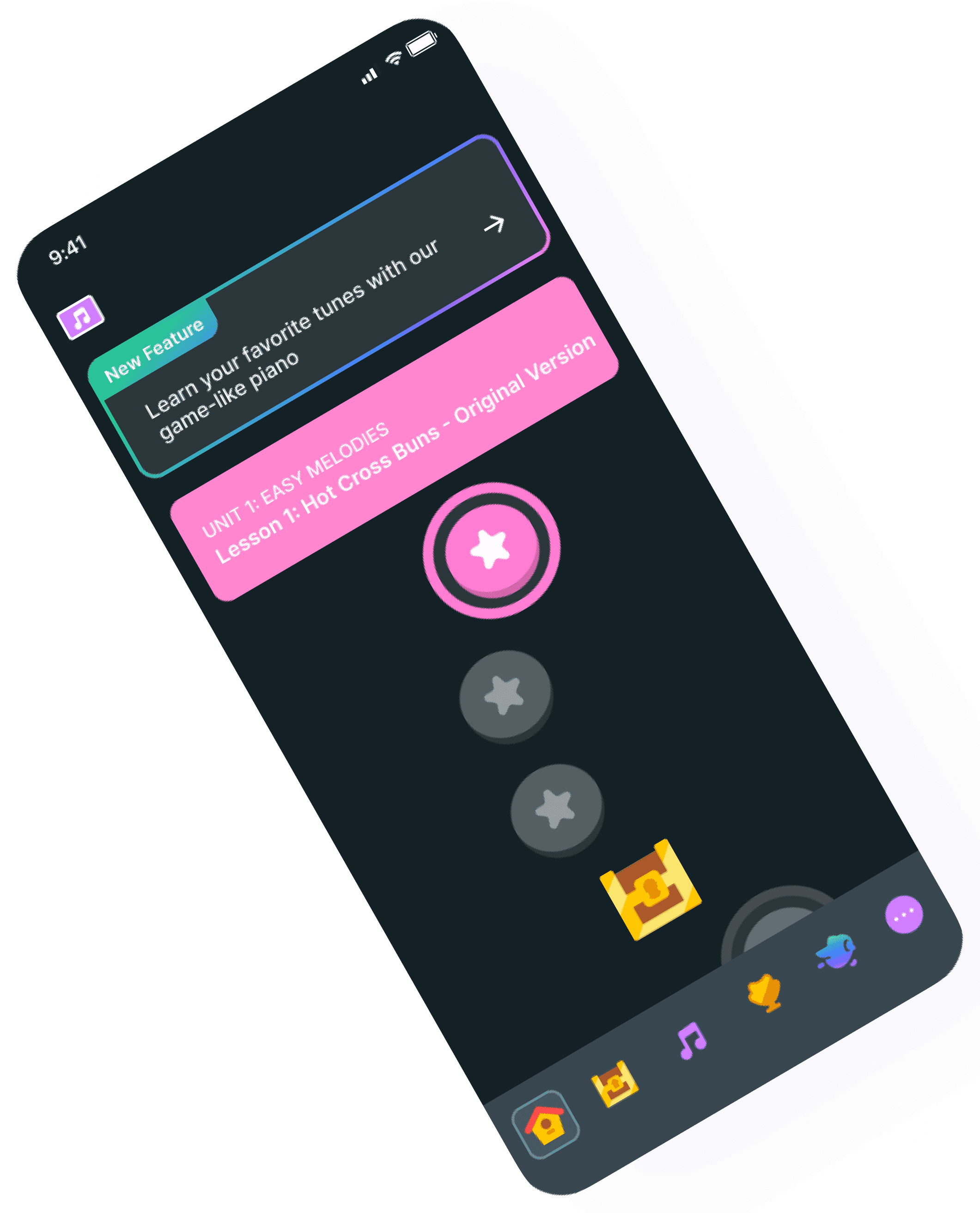
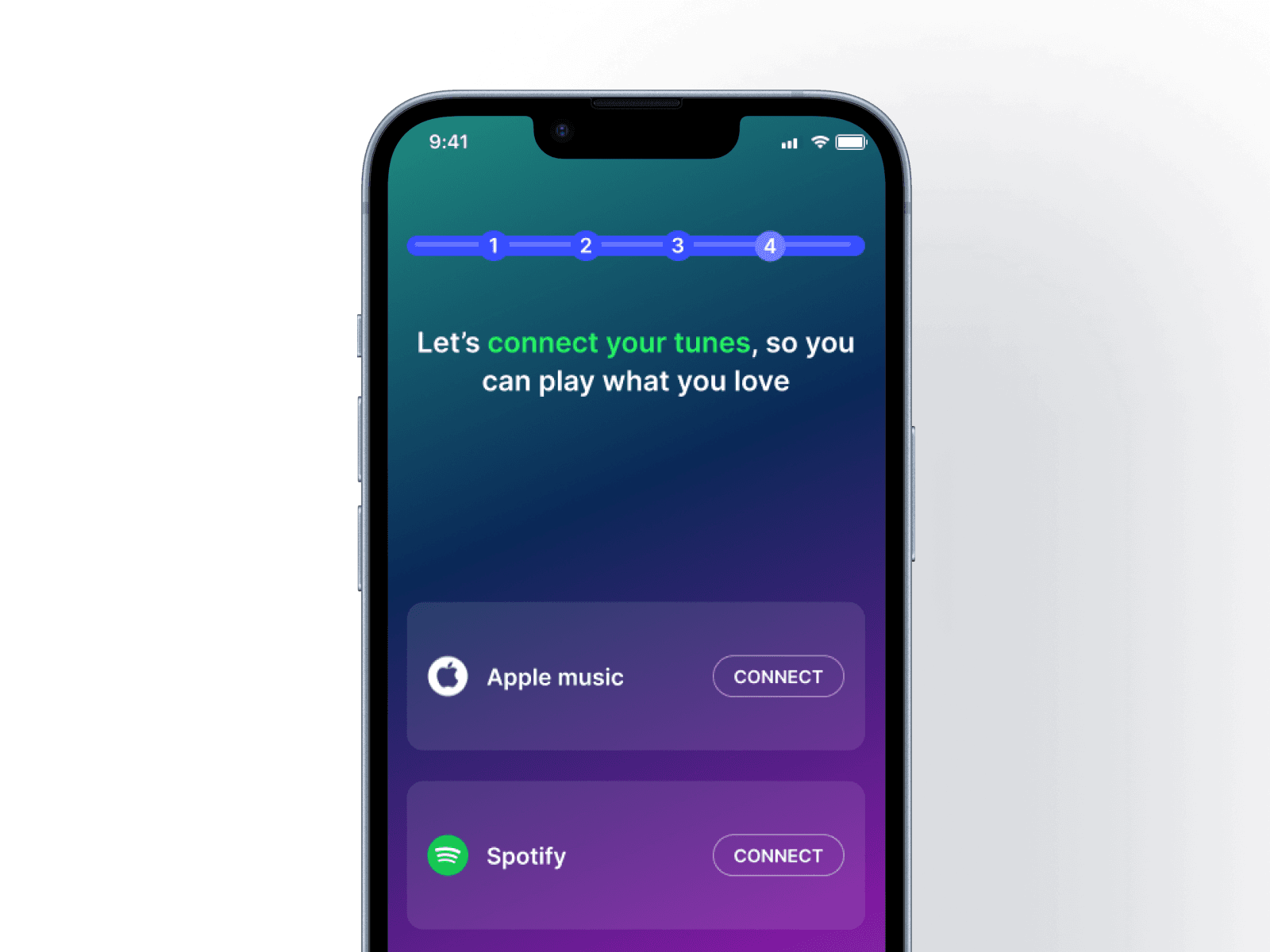
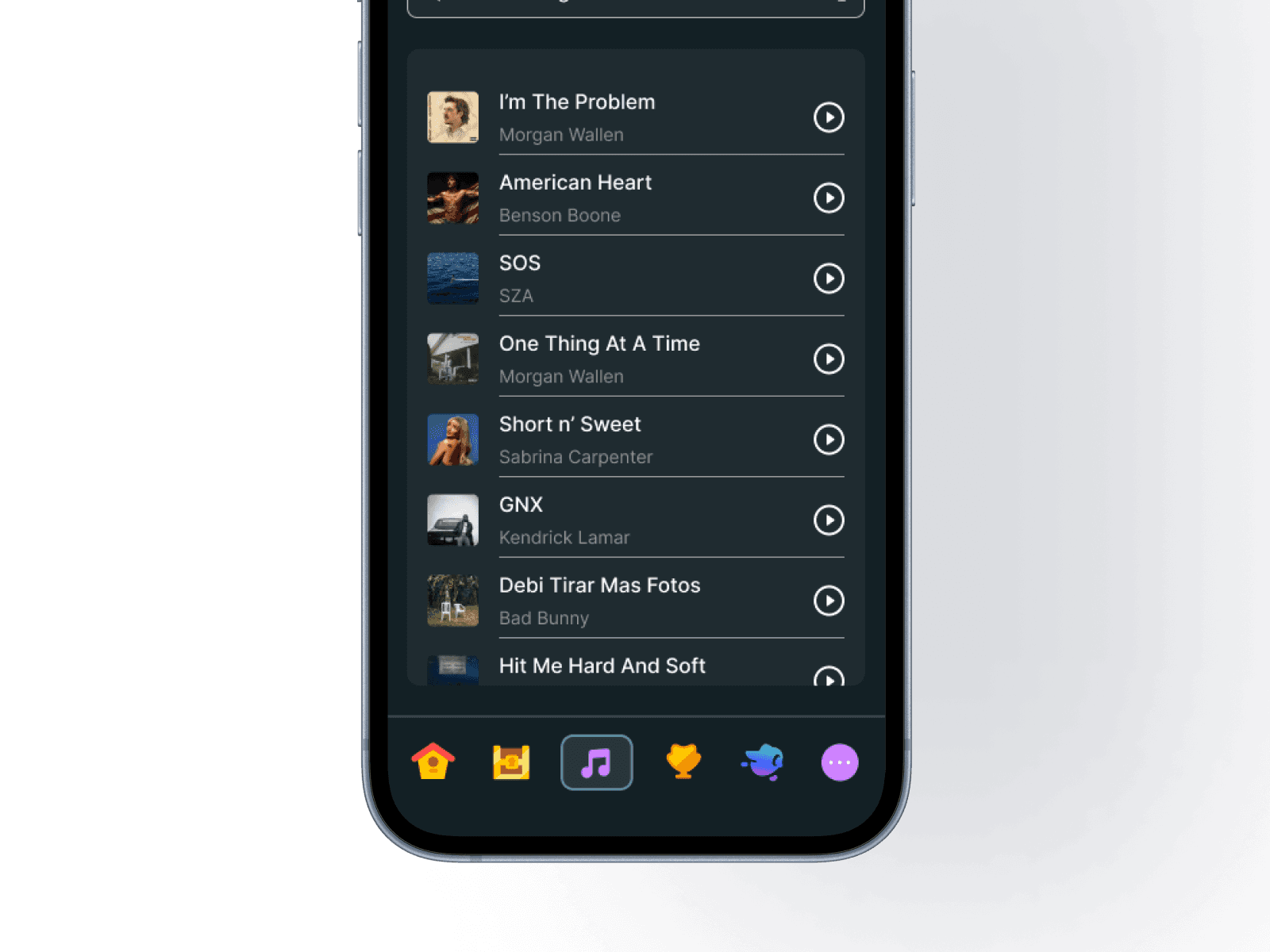
This new feature, included in Duolingo’s upgraded plan, allows users to connect their preferred streaming service and play songs they already love. By practicing on Duolingo’s game-like piano with familiar music, learning becomes more fun, personal, and motivating—helping users stay engaged and excited to improve their skills.
8 weeks
Bootcamp Project
Sole Designer
Figma
Challenge
Solution
Research
Key Insights from Interviews
Interviewing participants helped reveal the core frustrations users experience during their instrument-learning journey.
Motivation increased when learning songs with personal or emotional meaning
YouTube was a key tool for improving rhythm and technique
Participants valued structured learning plans and clear guidance
Real-time feedback was crucial for tracking improvement
Competitor Analysis
I analyzed competing piano-learning apps to see what features and teaching methods work well and to identify opportunities to improve my own design.

A mobile app that teaches users to play piano through interactive, step-by-step lessons, real-time feedback, and an extensive library of songs.
Features:
Delivers instant performance feedback, allowing users to track progress and refine their skills effectively
Provides a wide range of songs with supporting warm-ups, customized practice exercises, and sheet music
Provides personalized, step-by-step tutorials tailored to your current skill level

Yousician is an interactive music-learning app that uses real-time audio feedback to teach users how to play instruments like piano, guitar, and ukulele.
Features:
Real-time performance feedback that listens to your instrument and scores your accuracy as you play
Level-based guided lessons designed like a game, helping users progress through skills at their own pace
Wide library of songs and exercises across multiple genres, allowing users to learn through music they enjoy

Skoove is a piano-learning app for beginners through advanced players that helps you build skills through interactive lessons and real-time feedback. Using AI, it listens as you play, guides you through structured courses, and includes song tutorials to practice what you learn.
Features:
Lessons include music theory, reading notation, technique, and practical skills.
Access hundreds of lessons and a large library of songs covering styles from pop hits to classical favorites.
Some plans offer 1-on-1 lessons with real teachers for extra personalized guidance.
Lessons are divided into courses and levels so you can progress gradually. Users can work on beginner fundamentals like hand placement and note names before advancing.
Features like tempo adjustment and looping let you slow down tricky sections and repeat them until mastered.
Define
Empathy Map
By uncovering users’ motivations, frustrations, and behaviors, I gained the insights needed to move confidently into the ideation phase.
Enjoyed learning songs she liked, like High School Musical, and would Google sheet music
It's frustrating to find a specific song because there are 20-30 different versions
Needing a sense of progress and feedback
It's challenging to practice alone because you can't tell what you're making progress in and what areas you need to improve
Searches for tutorials and sheet music on Youtube and Google
Recorded herself playing and listened to it to point out her weaknesses and strengths
Motivated when playing songs they enjoyed
Was excited to practice Chinese music, because she enjoyed the sounds and tunes

Wireframes
Sketches
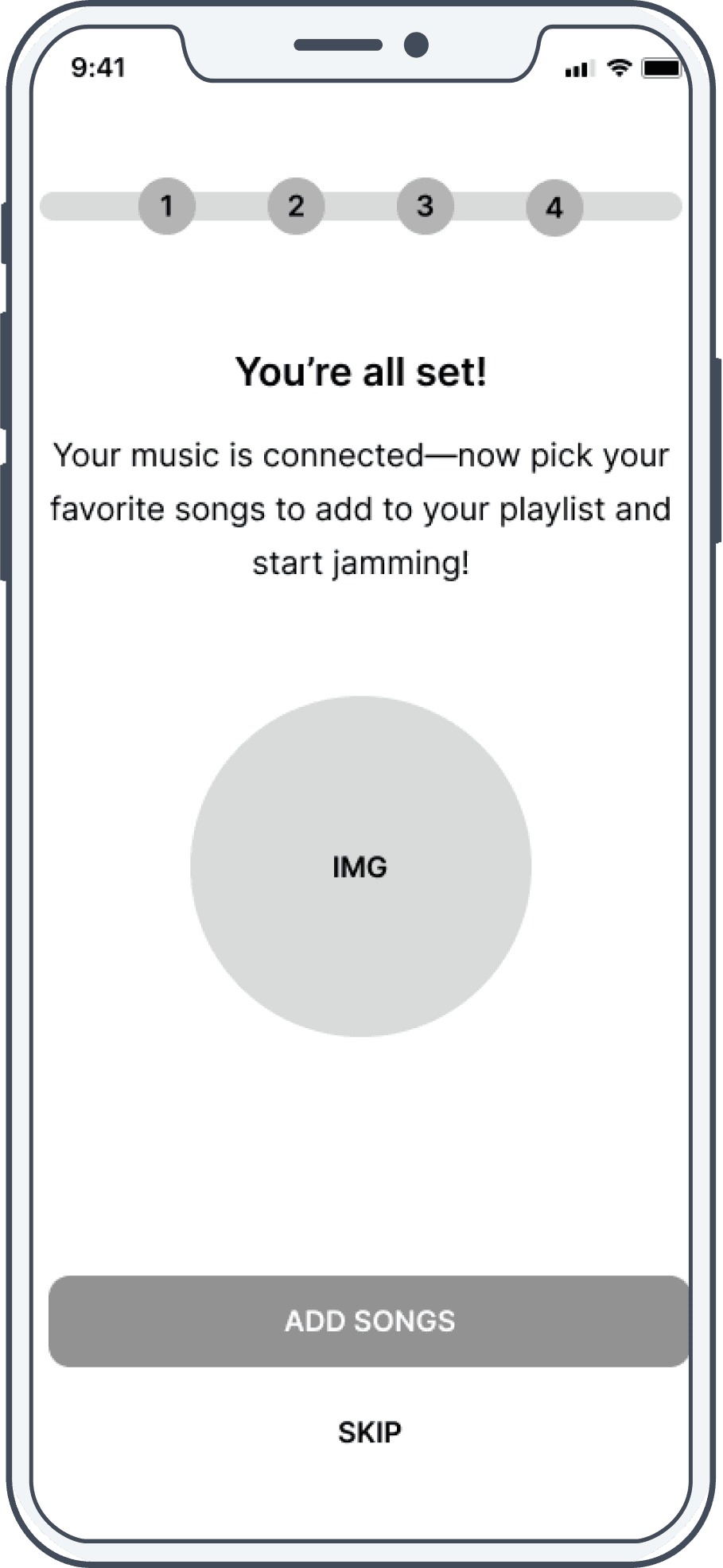
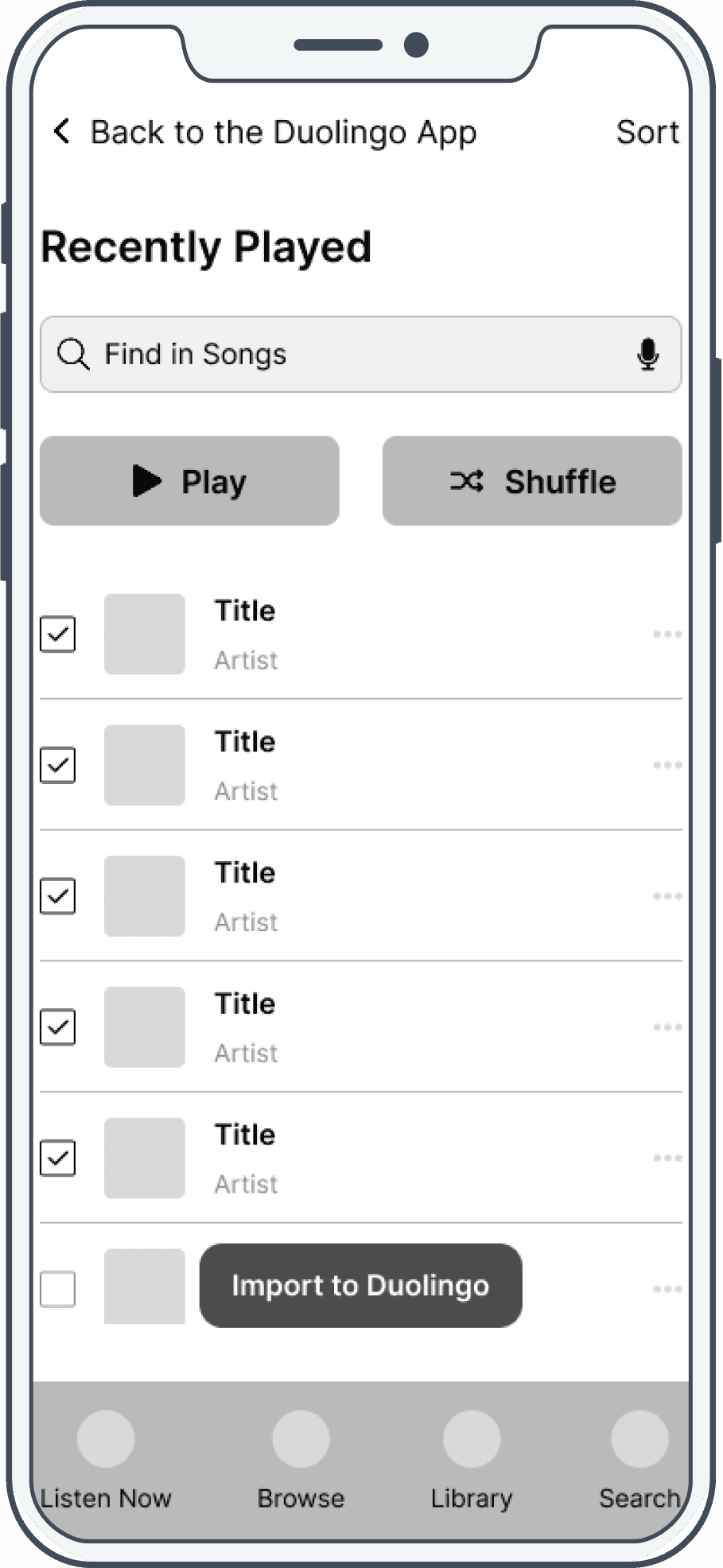
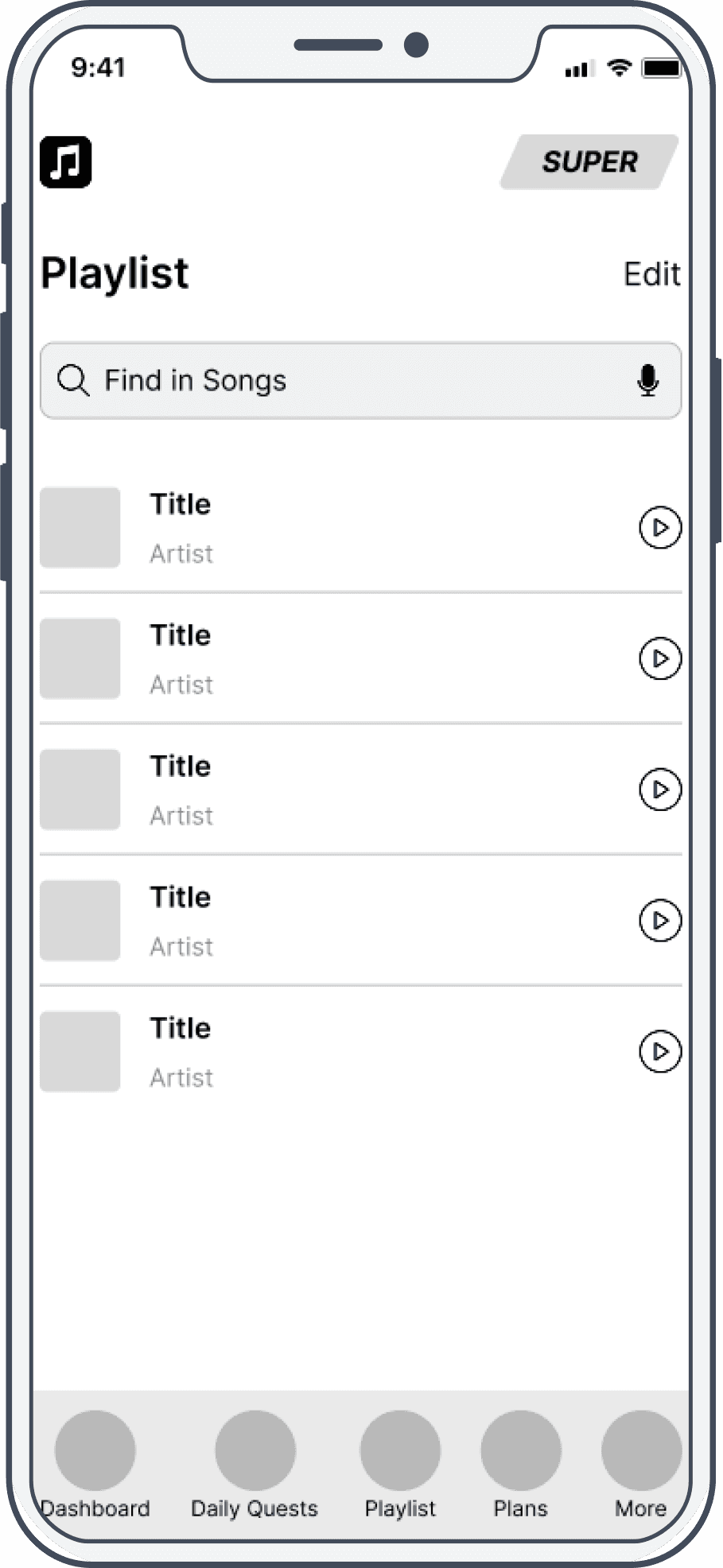
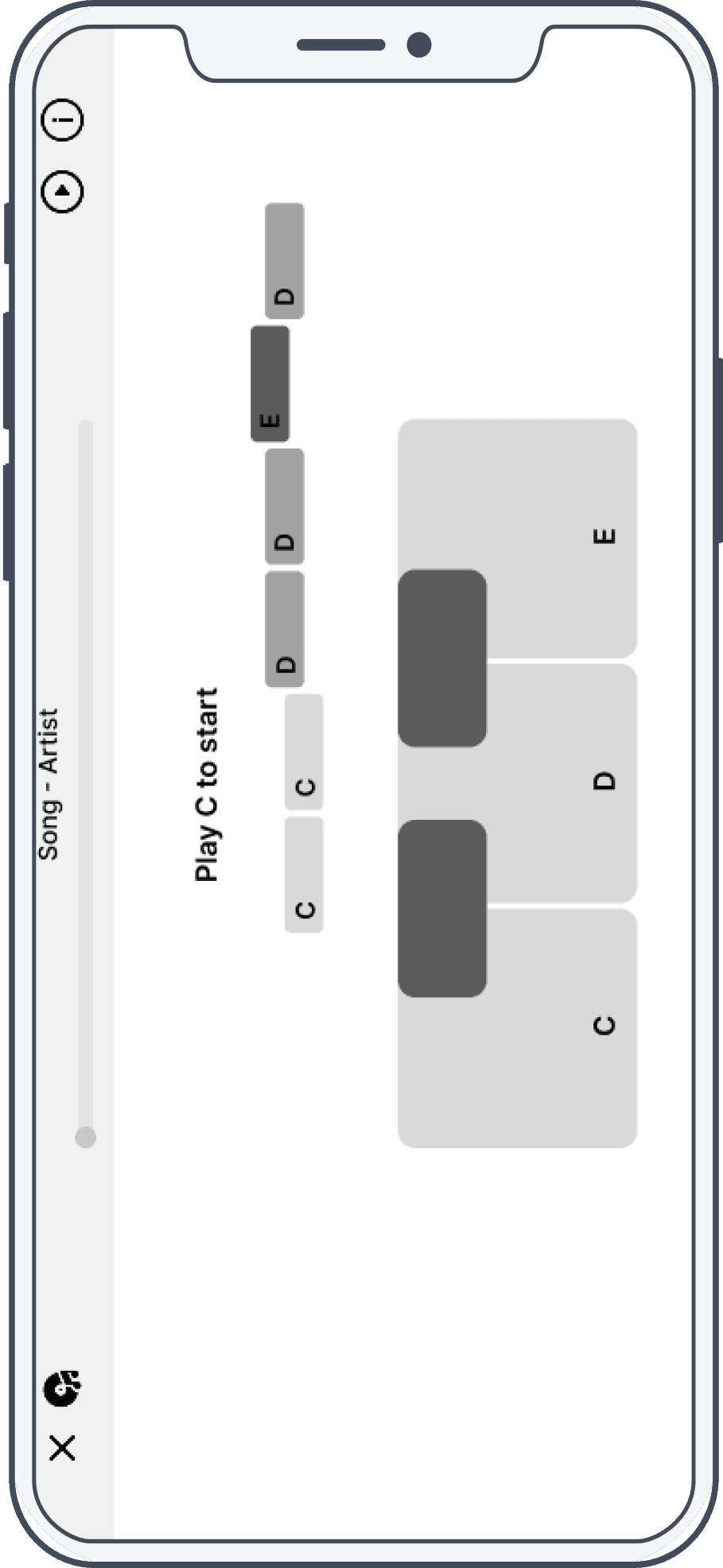
Usability Testing
Usability Testing Results
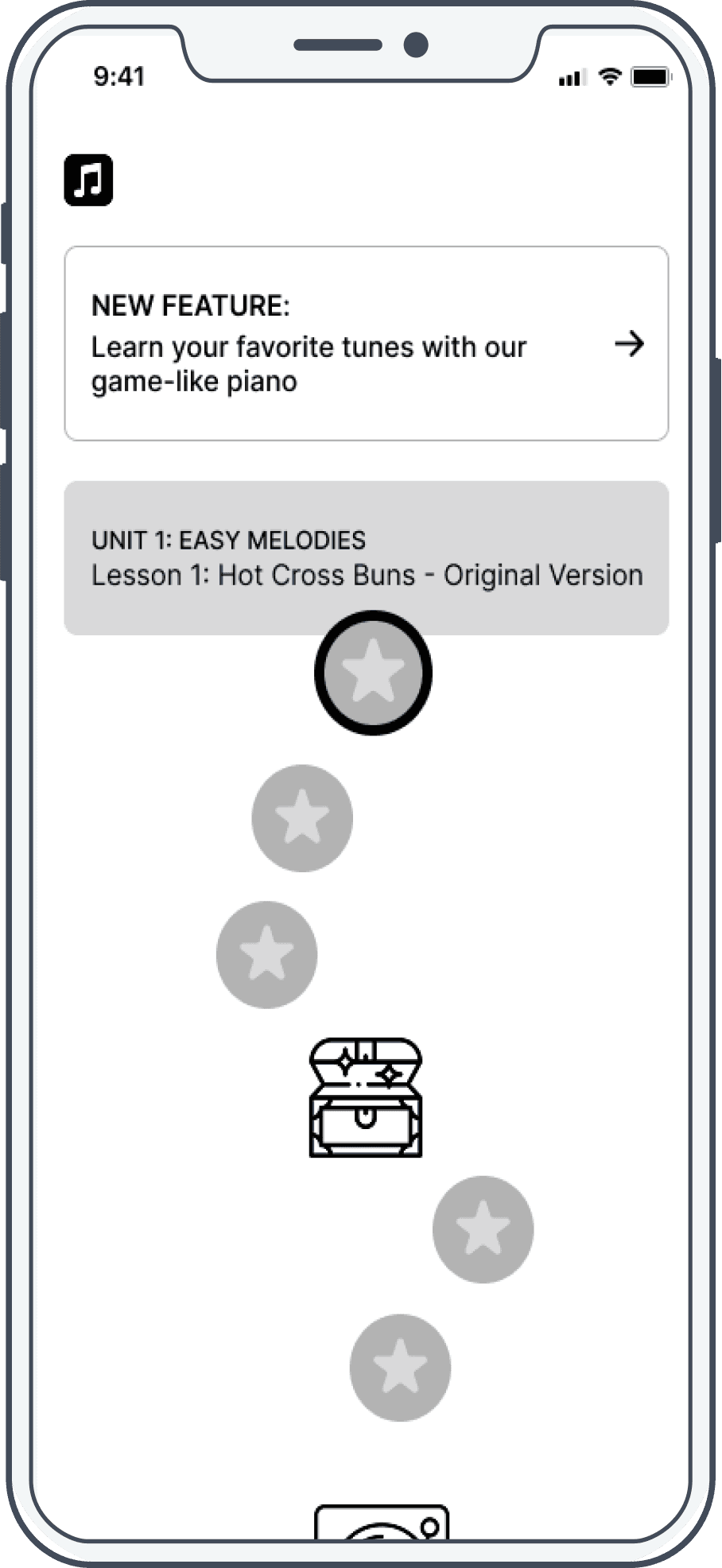
A key finding from the usability testing was that all 4 participants expressed confusion around the purpose of the new feature. There was a noticeable lack of clarity and context which left users unsure why they would be importing their own music and how it would enhance their experience within the music course.
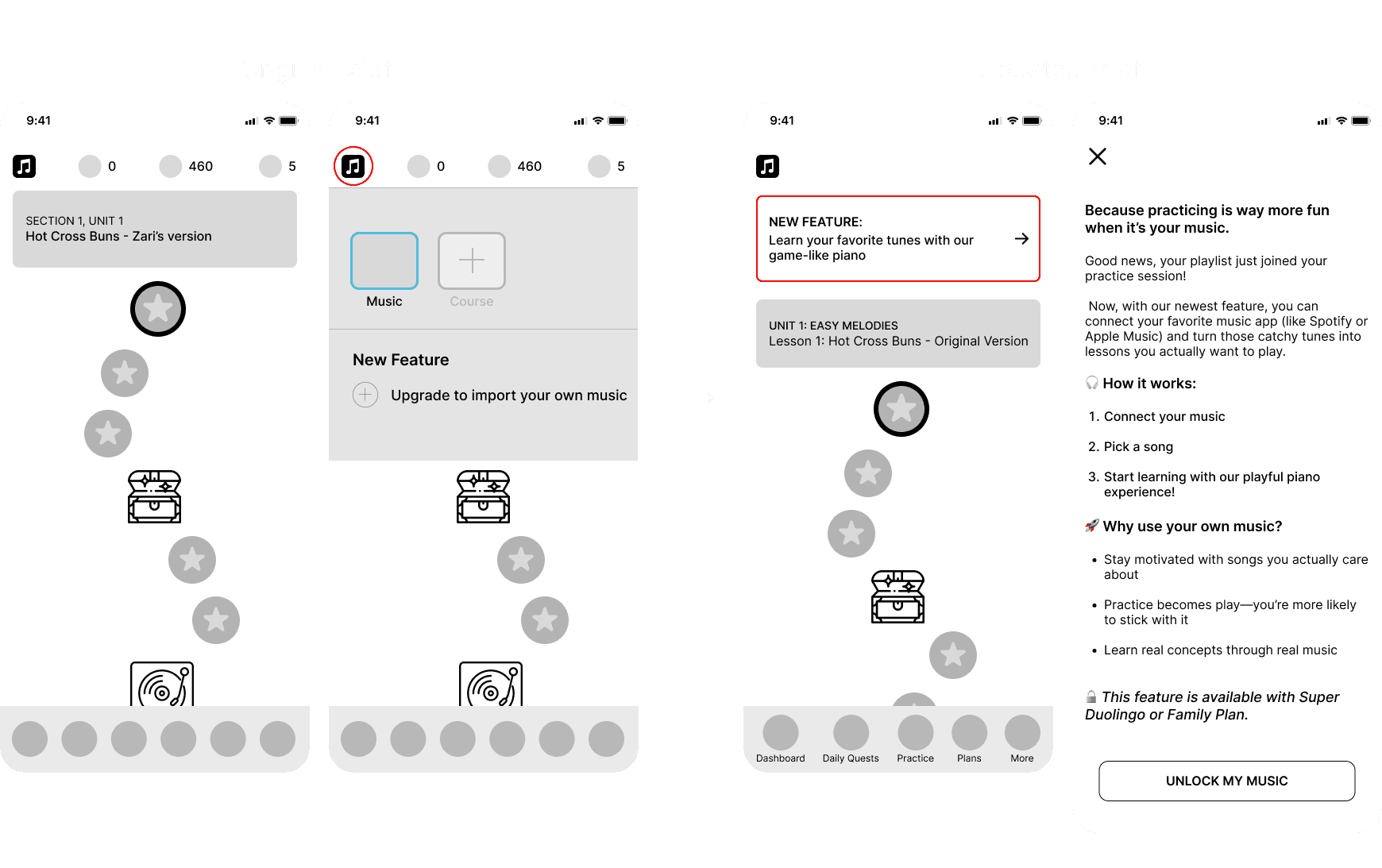
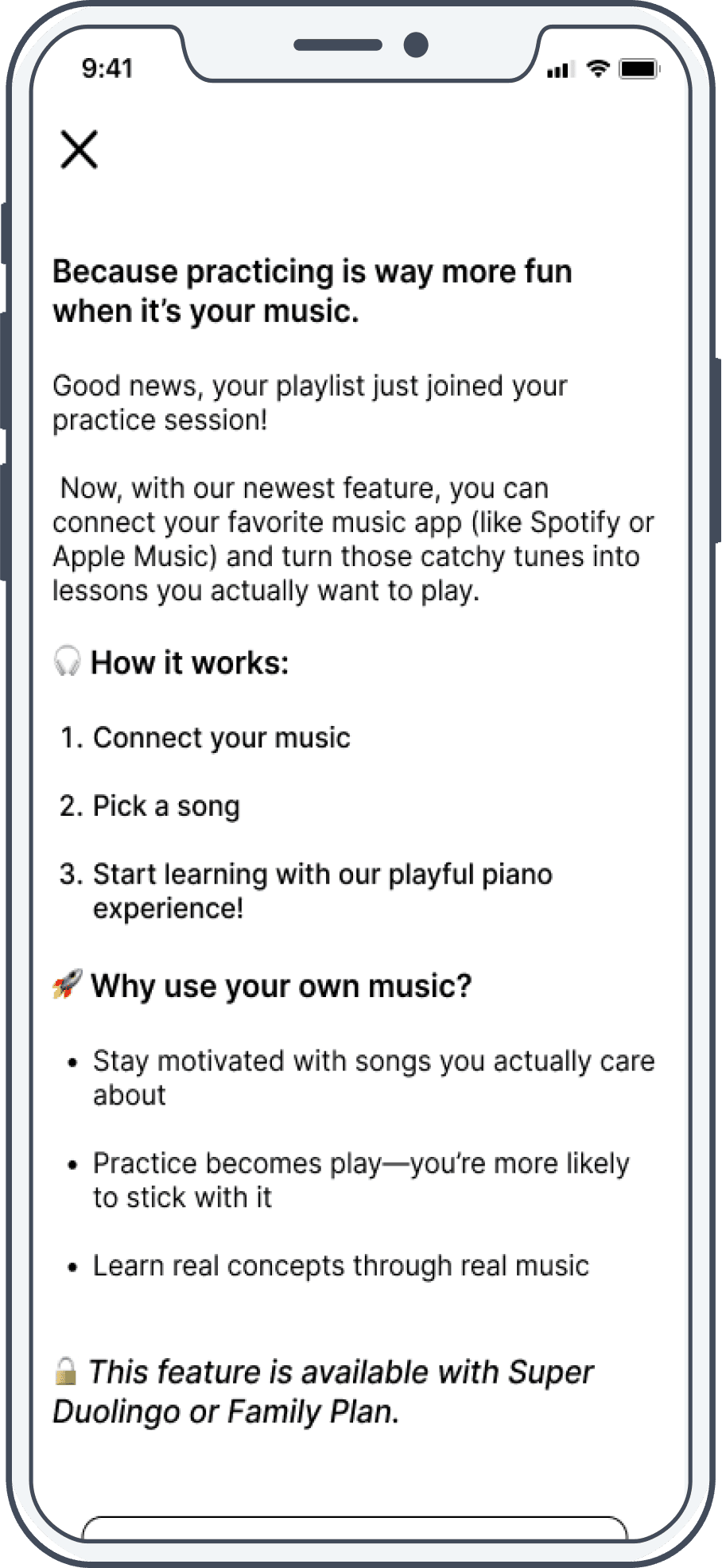
Solution: I improved the feature’s visibility by adding a “New Feature” card at the top of the dashboard. Selecting it takes users to a page that explains the benefits of importing their own music, making the value of the feature immediately clear and eliminating the confusion users initially experienced.
Final Design
Major Screens
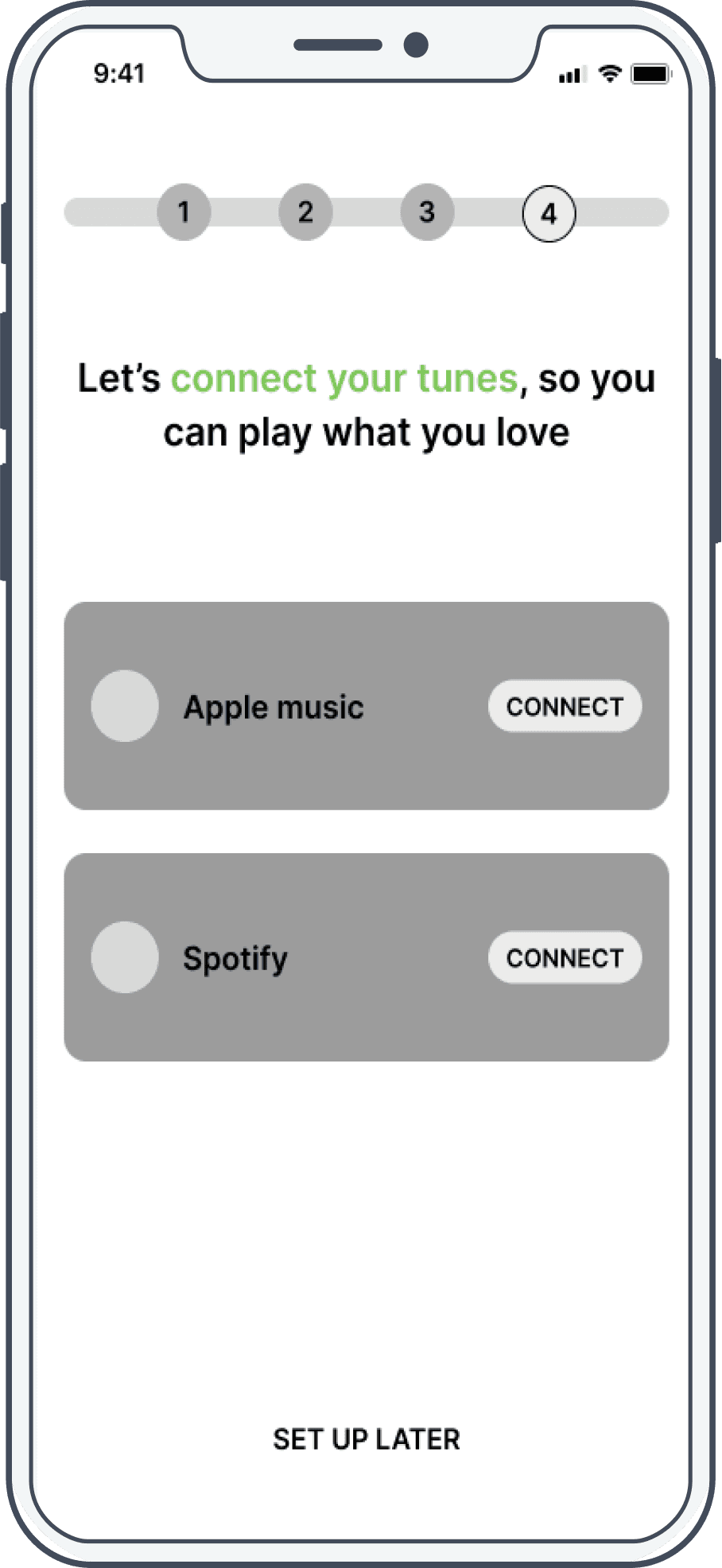
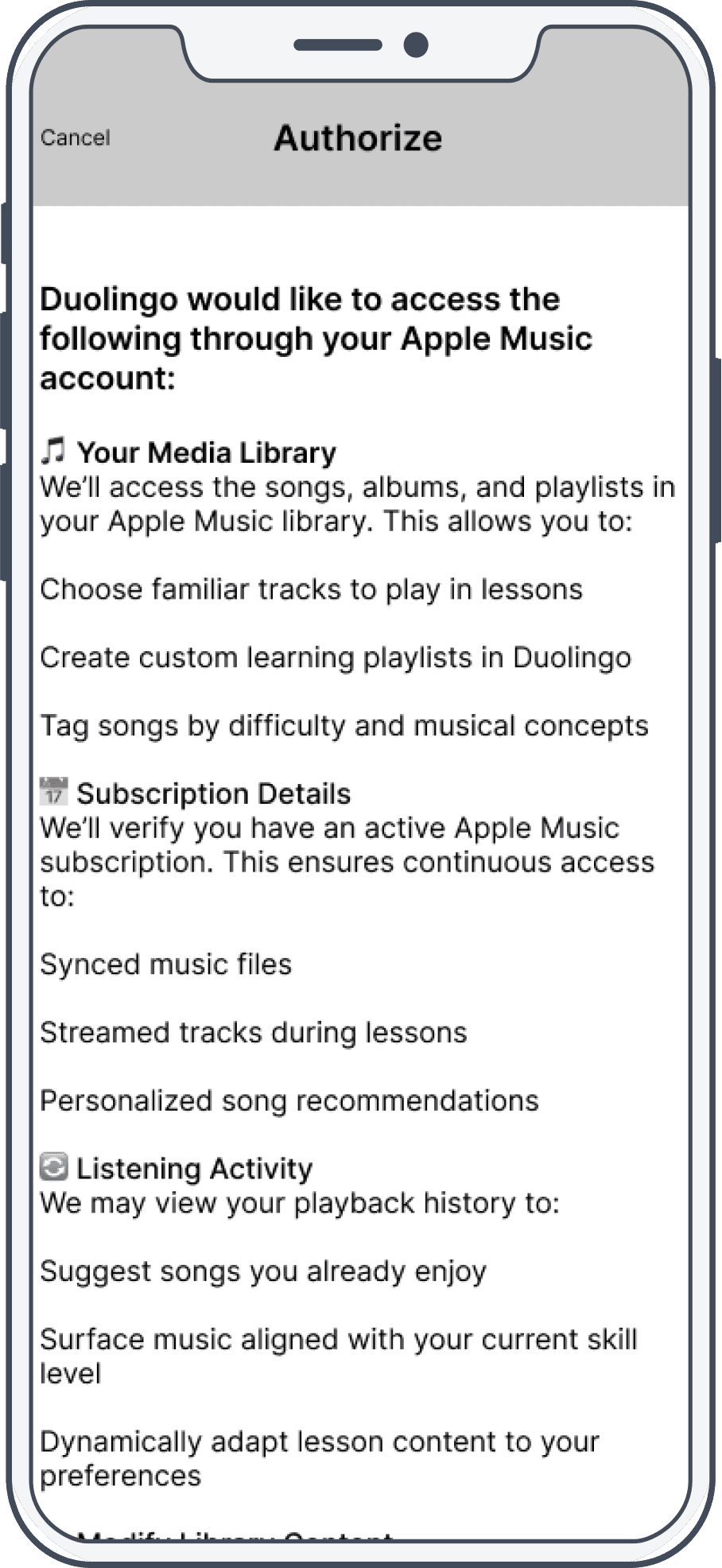
Below are the key interface screens highlighting how the new feature integrates into the existing Duolingo experience.
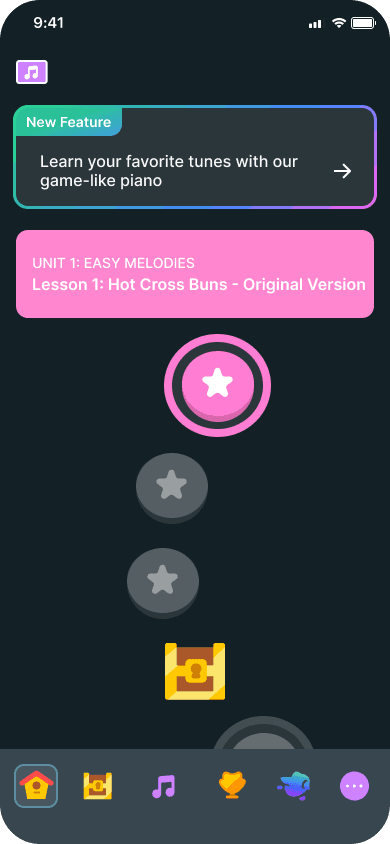

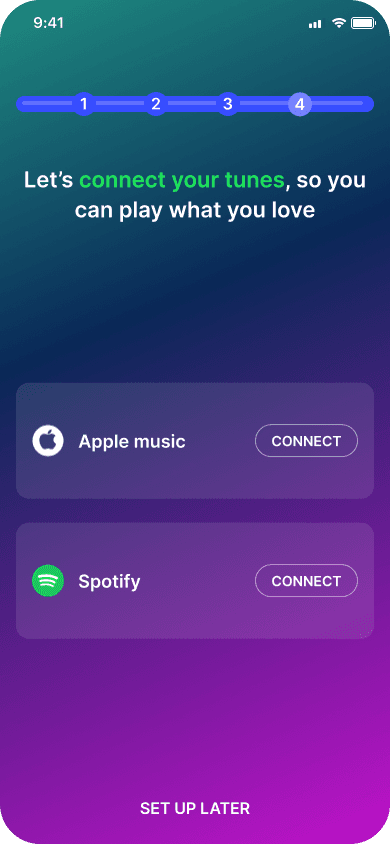
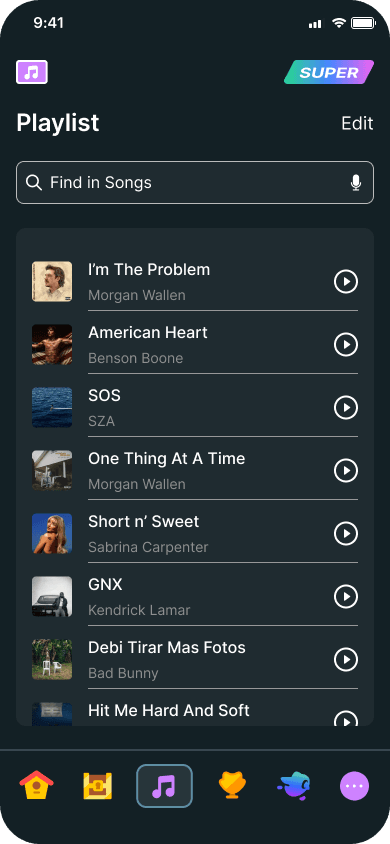
Final Design Screens
This video showcases the final design, including all iterations implemented based on usability testing feedback. You’ll begin on the dashboard of Duolingo’s free version and then be guided through the upgraded plan, which allows users to import their own music. This feature makes it possible to learn using your favorite songs, and if you prefer to practice with Duolingo’s curated playlist, you can easily switch back and forth at any time.
Conclusion
Project Reflection
Reflecting on challenges, what I learned, and future opportunities.
Challenges Faced
The most challenging part of this project was the interview process. I struggled to create thoughtful, engaging questions that would uncover real pain points users face when learning a new instrument, specifically online.
What I'm Most Proud Of
I’m most proud of the outcome of my interview process. It was challenging to create thoughtful, in-depth questions that uncovered meaningful insights, but the effort paid off. Even though many participants learned instruments in person, I was able to identify shared pain points with online learning and translate them into a Duolingo feature that solves real user needs.
What My Next Steps Would Be
Short quizzes to reinforce key conepts after every lesson
In-depth song analysis & explanation (tempo, key changes, time signatures)
Track progress on each song, showing which concepts have been mastered and which need more work.